
Artifact · Legendary
 Packbound
 Built for Owlbear Rodeo
Turn your party’s loot into a collection worth opening.
Beautiful item cards. Your own backpack. All in one place.

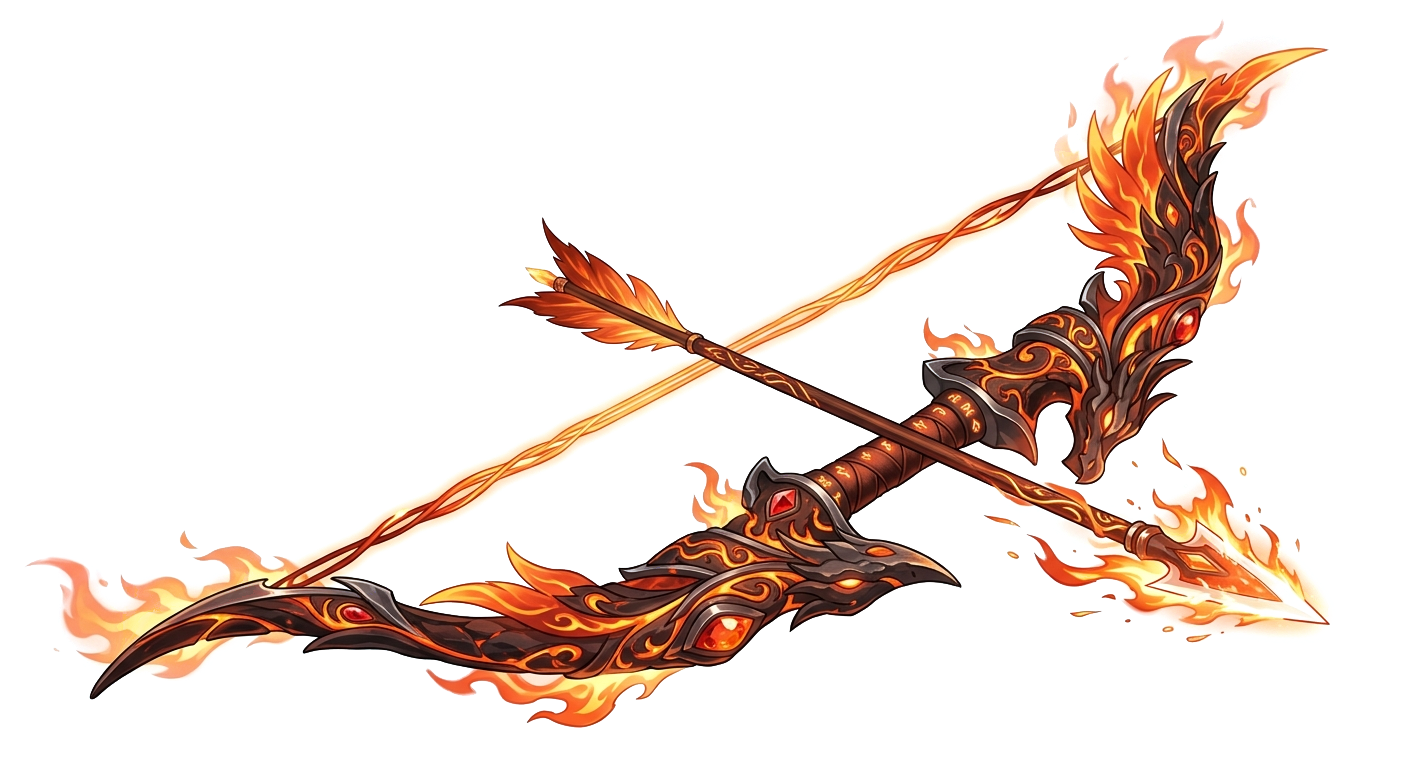
CARDS MEET BACKPACKS
Beautiful item cards and a practical backpack, brought together. Create a card, bring it into your personal inventory, and use it when the adventure calls.
Everything useful. Everything a little more beautiful.
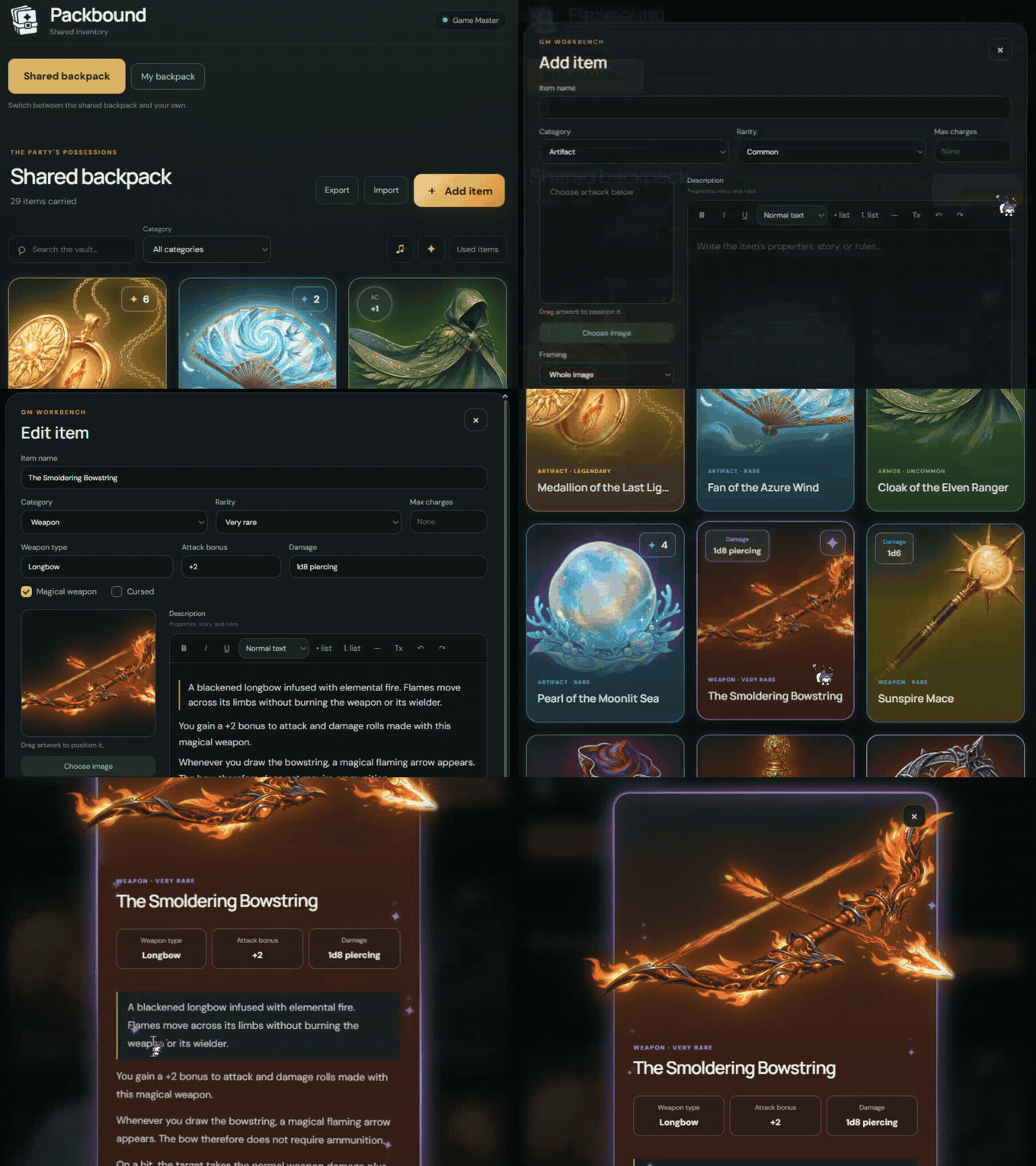
MAKE IT YOURS
A trusty blade. A mysterious relic. A potion you probably shouldn’t drink. Give different items their own personality with richly customized cards.
Artifact, requires attunement
A golden medallion containing a radiant crystal that glows with warm sunlight.
While attuned to the reliquary, you gain resistance to radiant damage and have advantage on saving throws against being blinded.
The reliquary has 6 charges and regains 1d4 + 2 charges daily at dawn.
You can expend charges to use the following effects:
Cast Guiding Bolt at 2nd level.
Cast Lesser Restoration.
Cast Daylight centered on the reliquary.
Release a 60-foot-long, 5-foot-wide beam of sunlight. Creatures in the line must make a DC 17 Constitution saving throw, taking 6d8 radiant damage on a failed save, or half as much on a successful one.
Undead and fiends have disadvantage on this saving throw.
A real Packbound card. This is how your items can look at the table.
TWO WAYS TO ADD A LITTLE MAGIC
01 / HOLOGRAPHIC FINISHES
Choose a finish, then move your pointer over the card. Click it to see the full-size view.
02 / ANIMATED PARTICLES
Choose one effect or combine several. Click and try them to see how your card comes to life.
A real Packbound card. This is how your items can look at the table.
All animations can be switched off in Packbound’s main menu. Your cards stay beautiful, with less motion.
MORE THAN SOMETHING TO LOOK AT
Bring an item into the story with a Use item button.
For now, you can use potions and spell scrolls. Try both below.
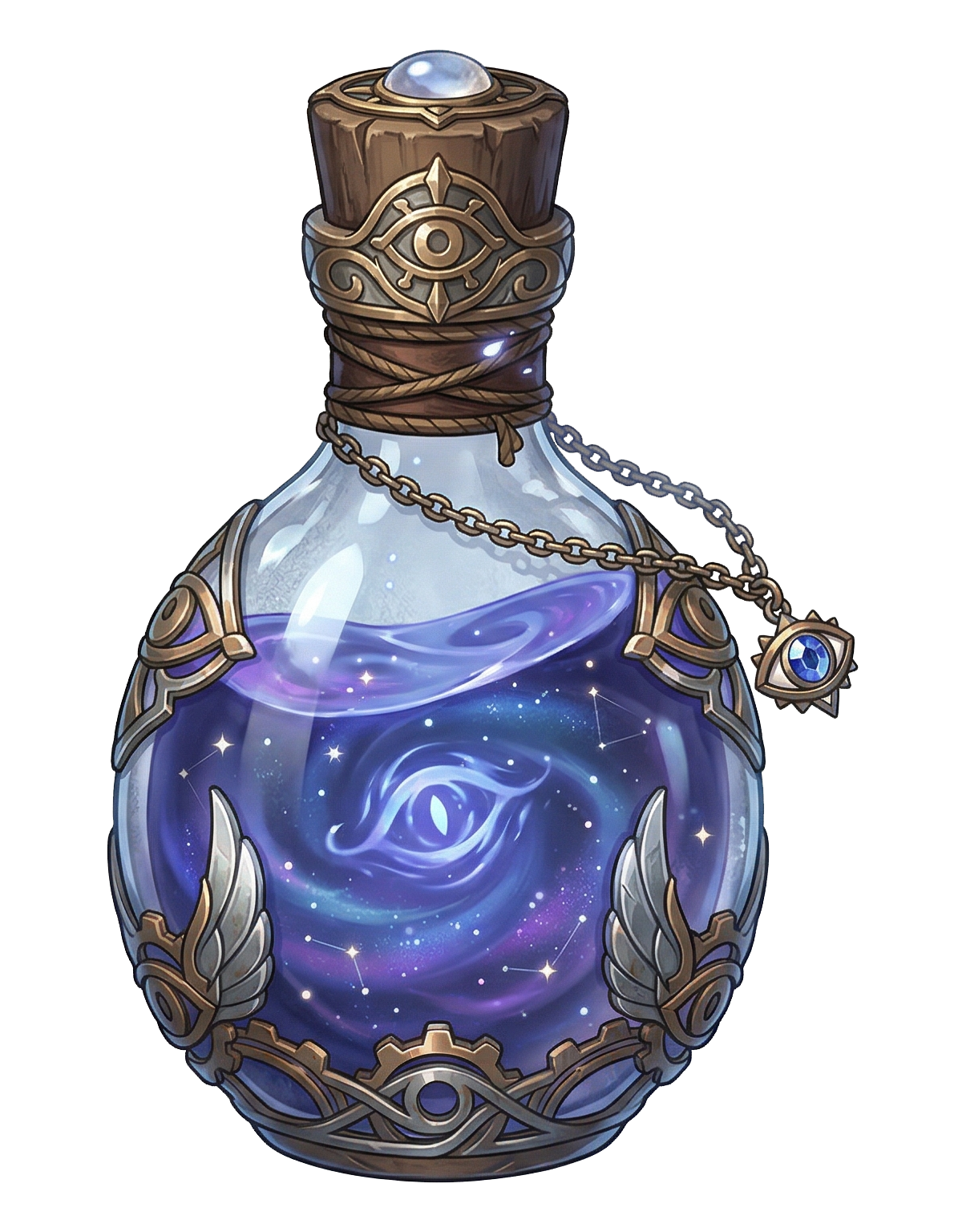
When the bottle is moved, a small dark shape resembling an eye briefly forms within the liquid before dissolving again.
When you drink this potion, you gain the effect of the Clairvoyance spell.
You create an invisible magical sensor at a location familiar to you or in an obvious location unfamiliar to you within range.
Choose sight or hearing when the sensor appears. You can use the chosen sense through the sensor as if you were in its space.
As an action, you can switch between sight and hearing.
The effect lasts for 10 minutes and requires concentration.
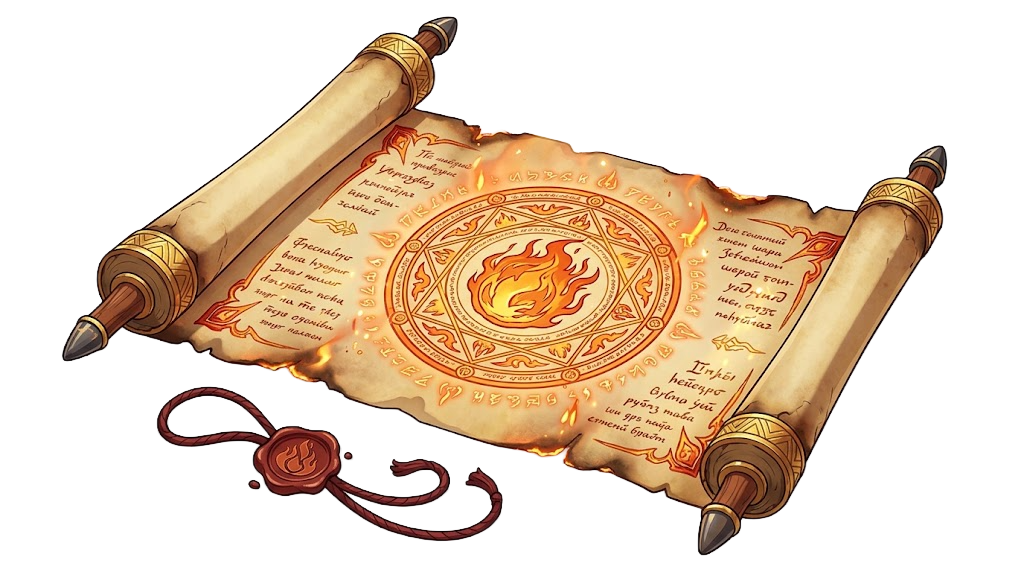
Spell scroll, 3rd-level spell
After use, an item turns gray. Only the Game Master can refill a potion or restore a scroll in Packbound.
Here, you can try the GM’s restore buttons to replay the demo.
READY FOR THE TABLE
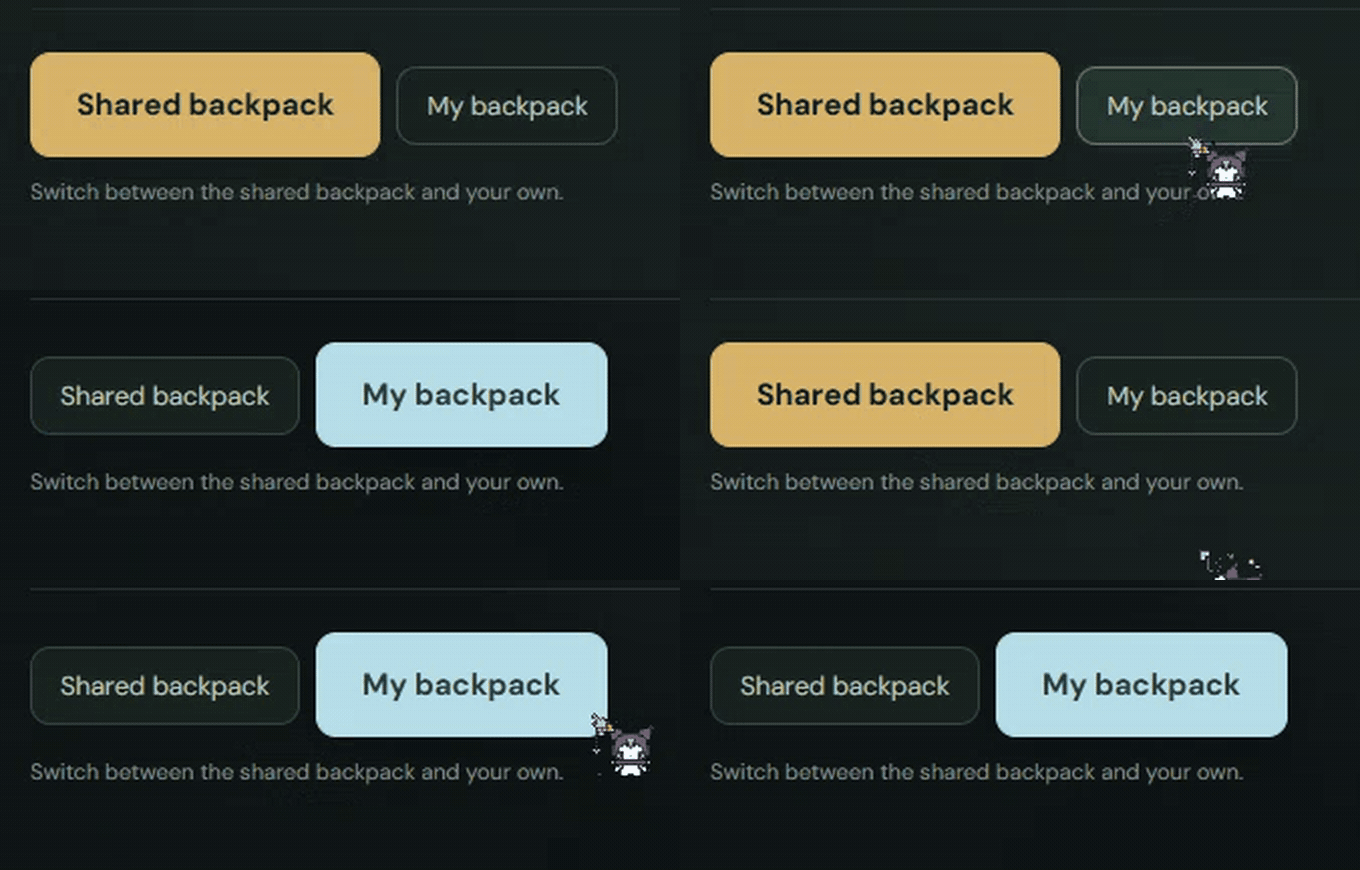
One shared backpack for the party. One personal backpack for every player. Create item cards, organize your collection, and move a treasure from the shared inventory into your own. The right item is easy to find when it matters.
A LITTLE MYSTERY IN YOUR BACKPACK
Found something you’d rather keep to yourself? Take it from the shared backpack into your personal inventory, then hide a single item or your entire backpack from the other players. Hidden items disappear from their view. Your Game Master still sees everything and can take an item back into the shared backpack when needed.
WATCH. LEARN. START PACKING.
Take a tour of the cards, customization, and backpacks.
Then use the quick guide below to bring Packbound to your table.
Copy the manifest link below. In your Owlbear Rodeo profile, choose Add Extension and paste it.
Open Packbound in your room. As the Game Master, choose Add item, add artwork, and fill in the details.
Choose the item’s appearance and effects. Save the card to the shared backpack, ready for the party.
Move an item to My backpack. Use it, keep track of it, or hide it from the other players.
INSTALL PACKBOUND
In your Owlbear Rodeo profile, choose Add Extension
and paste this manifest link.
SUPPORT MAREVO
We are a small team that loves playing on Owlbear Rodeo and creating useful extensions for the community. If Packbound helps your games, you can support our next update on Ko-fi.